
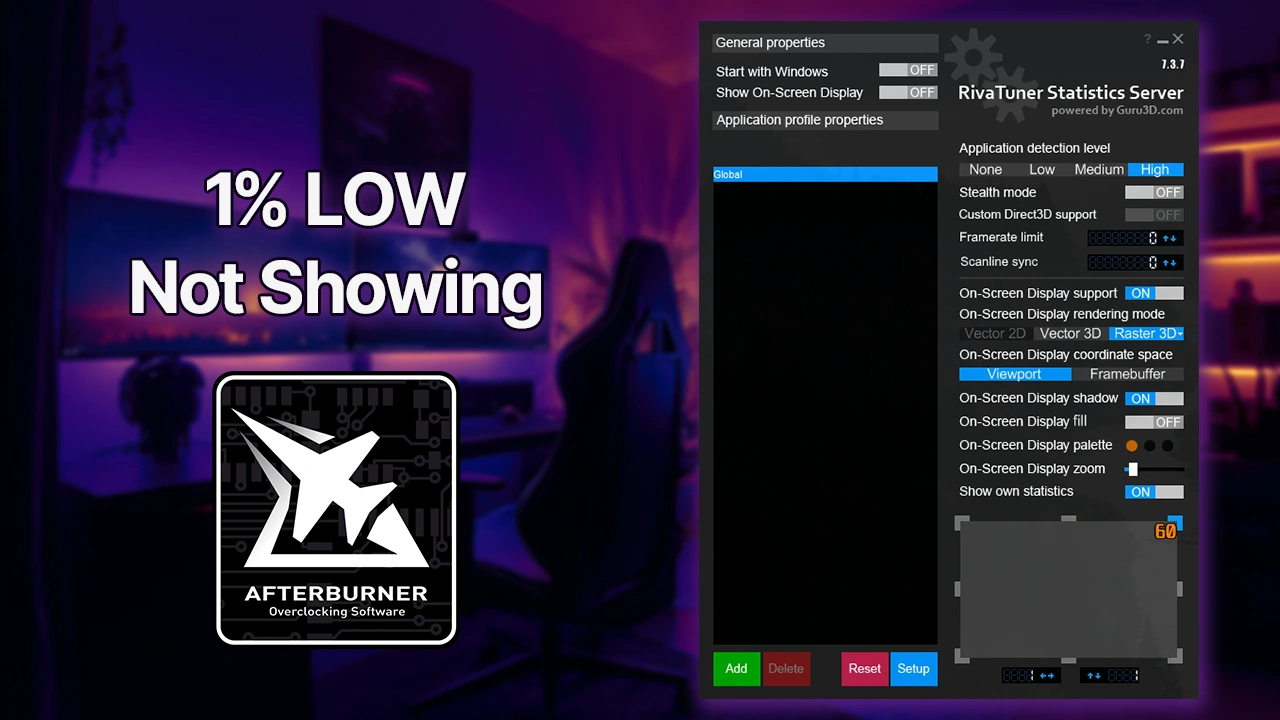
Your 1% and 0.1% lows don’t appear or are stuck at zero because RTSS needs two specific settings flipped before it can track percentile data during live gameplay. Both steps are required. Skip either one and the values won’t appear.
Step 1: Switch Percentile Buffer to Ring
Open RivaTuner Statistics Server, click Setup, then go to the General tab. Under Statistics properties, find the Percentile buffer dropdown and change it from Unlimited to Ring.
The reason this matters: Unlimited mode is designed for manual benchmark sessions where you define start and end points with a hotkey. Ring mode continuously calculates 1% and 0.1% lows from a rolling window of recent frames, which is what you actually want for live OSD monitoring. Without it, the stats server has no rolling sample to calculate percentiles from.
Step 2: Enable Benchmark Mode
Still in RTSS under Setup > General, scroll down to Compatibility properties and tick Enable benchmark mode.
This is the switch that tells RTSS to actively collect advanced frame statistics instead of just counting raw FPS. Without it enabled, percentile tracking simply won’t activate regardless of what Afterburner is configured to show.
Confirm the MSI Afterburner Side
Before you test anything in-game, double-check Afterburner’s own settings. Go to Settings > Monitoring tab, scroll down the list, and make sure both Framerate 1% low and Framerate 0.1% low are checked. More critically, each one needs “Show in On-Screen Display” enabled individually. RTSS can only display what Afterburner explicitly passes to it.
After Applying the Fix
Close your game completely and relaunch it. You should now see average FPS, 1% low, and 0.1% low all live in the OSD. If the values still don’t appear, run through this checklist:
- Fully restart both MSI Afterburner and RTSS, then restart your PC
- Confirm RTSS is actually running in the system tray, not just Afterburner
- Check that both tools are up to date; older builds predate the Percentile buffer option entirely
- As a fallback, bind hotkeys in Afterburner’s Benchmark tab to manually trigger a recording session, which forces percentile tracking on regardless of the Ring/Unlimited setting