
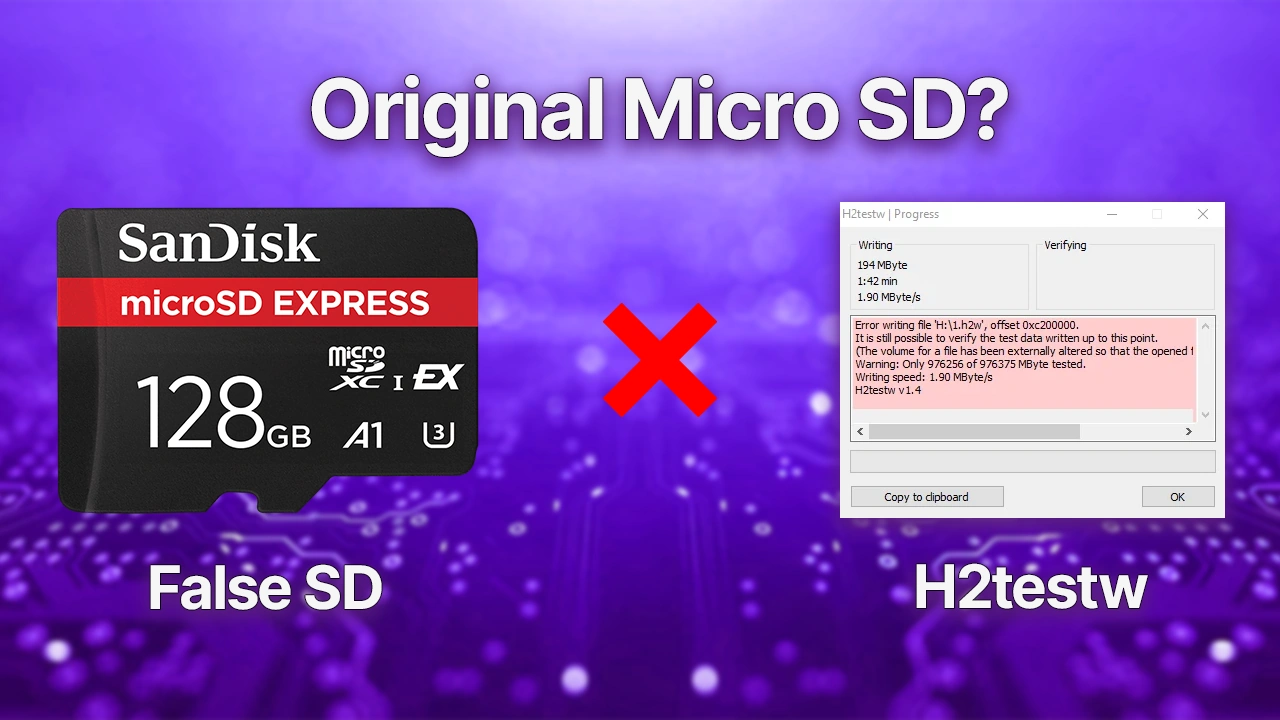
Fake MicroSD cards are far more common than most people expect. A card labeled 128GB or 512GB may physically hold a fraction of that, and you won’t know until your files start corrupting. H2testw is the fastest way to find out before that happens.
What H2testw Actually Does
H2testw is a free Windows utility developed by Harald Boegeholz in response to the flood of counterfeit SD cards and USB drives hitting the market. It works by writing test files across the entire drive, then reading them back to verify nothing went wrong. If the card is fake, the read phase will fail the moment it tries to pull data that was never physically stored.
The tool doesn’t rely on what the card reports, which is the whole point. A counterfeit card will happily tell Windows it has 256GB. H2testw ignores that claim entirely and proves it wrong through raw write-and-verify testing.
Why Counterfeits Fool Your System
Counterfeit storage devices are reprogrammed at the firmware level to report a false capacity to the operating system. A card with 16GB of real storage can convincingly pretend to be 256GB. Once you fill the actual memory, the controller starts silently overwriting older data, corrupting files without any warning. The device looks fine until it isn’t.
This is why buying from marketplace sellers, unknown brands, or suspiciously cheap listings is risky. The card passes every basic check Windows performs because Windows never actually fills it.
Before You Start
Back up any files on the card first. H2testw writes data across the entire drive, so existing files will be overwritten. You’ll also need a card reader that exposes the MicroSD as a standard drive letter in File Explorer.
Recommended: Format the card before testing.
Right-click the drive in File Explorer, select Format, and choose exFAT for cards 64GB and above, or FAT32 for smaller ones. A quick format is fine. This clears leftover data that could interfere with the test results.
Running the Test
Step 1: Download and open H2testw
Grab H2testw from h2testw.org. It’s a portable tool, no installation needed. Extract the ZIP and run the executable. Select English when prompted.
Step 2: Select your target drive
Click “Select target” and choose the correct drive letter for your MicroSD card. Double-check this before proceeding. Selecting the wrong drive will wipe it.
Step 3: Configure and start
Set the data volume to “All available space” and choose “Write + Verify.” Click Start.
Step 4: Wait it out
The test takes time proportional to the card’s reported capacity:
- 32GB card: roughly 20 to 40 minutes
- 128GB card: 1 to 3 hours
- 512GB card: several hours or more
Don’t remove the card during the test. A disconnection mid-test invalidates the results and can leave the drive in a messy state.
Reading the Results
A clean result looks like this:
textTest finished without errors.
X.X GByte OK
That means the full reported capacity is genuine and the data integrity checks passed.
A fake card will report something along these lines:
textErrors detected!
15.8 GByte OK (16022 blocks)
211.3 GByte DATA LOST
The “OK” figure is the actual physical storage. Everything above that number is fabricated capacity.
One normal quirk to know: a genuine 128GB card will typically show around 119GB usable. That’s not a fake flag. Manufacturers measure in decimal gigabytes, while Windows reports in binary, so there’s always a small gap between the advertised number and what you see in Explorer.
Common Problems During Testing
The test is crawling. Low-quality cards write slowly, but a severely underperforming test often points to a cheap USB card reader or an old USB 2.0 port. Swap to a USB 3.0 port and try a different reader before writing off the card.
H2testw stops or freezes. Some counterfeit cards physically disconnect under sustained write load. If Windows throws drive errors mid-test, the card itself is likely failing. That’s a result in itself.
Works on USB Drives Too
The same process applies to USB flash drives, external SSDs, and HDDs. Any storage device that appears as a drive letter in Windows can be tested with H2testw. The fake capacity scam is just as common on cheap USB drives sold through online marketplaces.
If the Card Is Fake
Stop using it immediately for anything you care about. Even for small files, data corruption is guaranteed once you cross the real physical limit. Request a refund from the seller and report the listing if you bought it through a marketplace. Don’t pass it on to someone else.
If you bought from an official retailer, the risk is substantially lower, but running a one-time test still gives you a firm baseline and rules out any defective units that slipped through quality control.